
A good website for a Plovdiv business helps someone in the city or nearby work out what you offer, where you operate and how to take the next step. Start with the action you want the visitor to complete. They might call to arrange a site visit, request an estimate or book a slot. That decision shapes the pages, content and functions worth paying for. Choose a structure your team can keep accurate with the time and support it actually has.
Choose a structure that reflects the business
A single page can work for a service with one straightforward process. Visitors can read what it covers, see examples and reach the contact section in one journey. If you have several service lines or customer groups, separate pages make room for specific conditions and examples. At a metalworking company, someone arriving with technical drawings may need different information from someone who can only provide a photograph and an approximate size. Think about the questions each person would want answered before getting in touch.
See the comparison between a one-page and a multi-page business website and decide which information people need to find independently. Puldin Ekspres provides a public example of a business site that introduces CNC and metalworking and includes a services section. For your own company, decide whether a section is enough or each service needs a page with photos, enquiry requirements and practical limits. Base the choice on what customers look for and what staff can reasonably keep up to date.
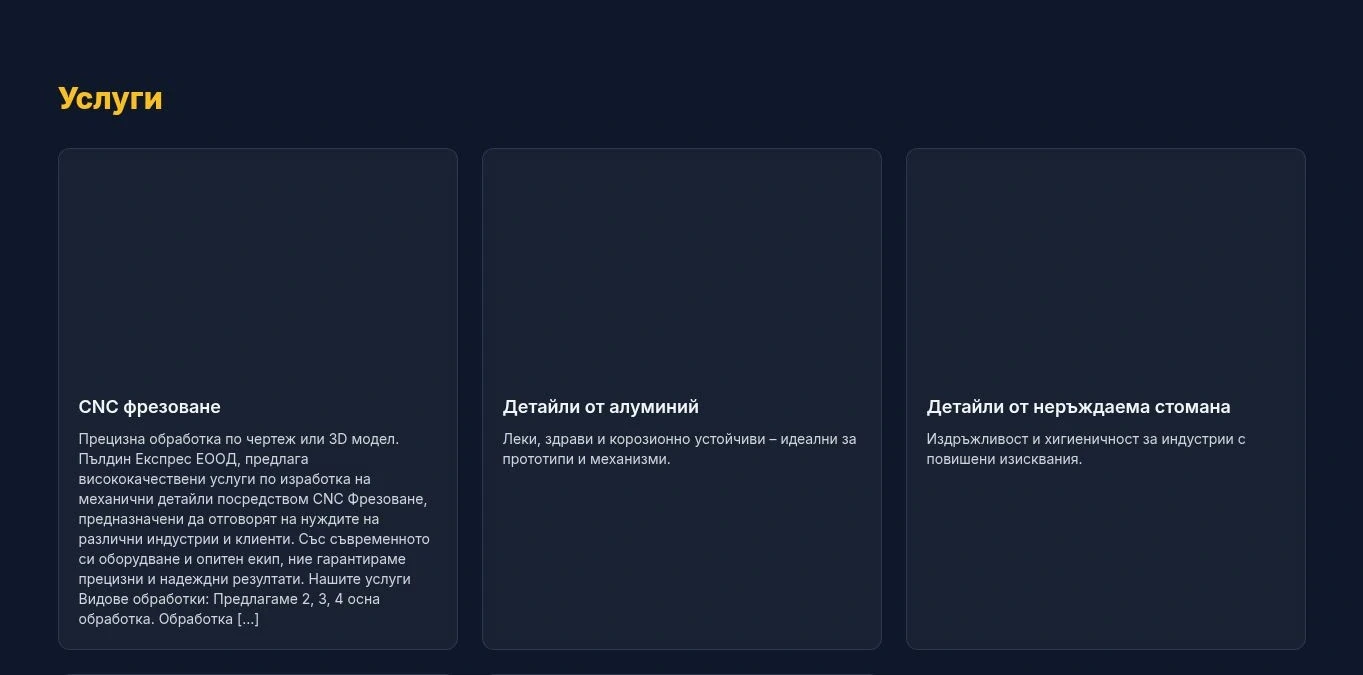
Project screenshot: puldinekspres.com
Add features around a workflow the team already understands
A simple form can be enough when staff need to assess each request before quoting. For appointments of a predictable length and with a limited number of slots, online booking may reduce calls if someone keeps the schedule current. Decide who can change availability, what happens when a booking is cancelled and how customers learn that a reservation is confirmed. Write those decisions down before commissioning the design. They affect staffing and the way the site presents available times.
A website with a custom CMS
Business website with custom CMS
from 349 €
Dedicated service pages, useful articles and a system you control.
Extended business website & PWA
from 549 €
Beyond a presentation: workflows, bookings and a companion web app.
One-page website
from 199 €
One focused page. A convincing introduction. An easy way to reach you.
Indicative starting prices. Features and final scope are agreed before work begins.
Prepare local information that helps people decide
Describe your actual service area. If customers visit you, publish accurate hours, useful directions and access information where relevant. If you travel to sites around Plovdiv, explain which communities you cover and what determines whether a visit is available. Someone arranging a site survey may want to know what details to send first, what happens when the business receives the request and when to expect a response. Address these practical needs on the relevant service page.
Use neighbourhood and town names where they convey information. A dedicated page for an area can make sense if the service or conditions are materially different there. For a common offer, a well-written service area section can answer the question on one page. Keep business hours and contact details consistent with your public business profile. If a service is seasonal, assign someone to update the information and decide what visitors should see outside the season.
Show relevant work with enough context
Prepare examples that explain the task, materials or approach. For photos of completed work, describe what is visible and confirm permission to publish. A caption that explains which part was fabricated or which surface was repaired helps the visitor assess whether your experience matches their needs. For work on a customer’s property, a detail photo can often show what matters without revealing an address or personal details.
Make the contact journey work on a phone
On a small screen, the immediate questions are what the business can do and how to reach it. Use buttons that describe their destination. Request a site visit tells the visitor what to expect. If they start on a specific service page, keep that context in the enquiry form so that staff can identify the service without asking the visitor to enter it again. Test the action from a page reached through a search result as well as from the homepage.
Match the fields to the way requests are handled. A quote may only require a name, contact details and a short description. A service booked in advance may need a duration and preferred time. The public Studio Oasis website includes a section explaining the booking journey from selection to confirmation. When designing your own journey, work out which step creates a real booking and when a staff member still needs to confirm details.

Project screenshot: terapevti.com
A business website with WordPress
WordPress business website
from 199 €
A new business website with up to 5 core pages: home, about, services, projects or blog, and contact.
Indicative starting prices. Features and final scope are agreed before work begins.
Write a brief developers can quote accurately
For a website development project in Plovdiv, prepare a list of services, a selection of photos and a person who can approve pages. Include an example of an enquiry your team could act on and identify which details are essential. If you already have a site, list the addresses worth preserving, the content to carry over and who holds the domain. This guide to writing a website brief can help you gather those materials before requesting a quote.
Ask the proposal to specify page templates, content preparation, tests and account handover. Record recurring costs for the domain, hosting, licenses and maintenance separately. If a second language is needed, agree on who translates the content and who verifies the forms, buttons and feedback in that language. An estimate based on complete journeys is easier to compare than a price based only on a count of pages.
Accept the build using realistic tasks
Open the most important service page on a phone and ask someone to complete an actual task without assistance. Have them verify the service area, review an example, submit a test form and check that it arrives. Try an invalid phone number or an empty required field and read the response. If customers can book, follow the notification and confirmation process with a test slot. Each contact option should connect to a clear follow-up process for staff.
Ask the person who will manage the site to replace a test image and update the business hours. Agree on what adding a service will involve and who checks content after publication. After launch, gather questions that still come up during calls and enquiries. Use them to improve the pages people already visit. That makes it easier to maintain an accurate picture of how the business works as services, visiting arrangements or schedules change.
Compare proposals against the same customer scenario
Give every supplier the same example. A customer reads the repair service page, checks that their district is covered and submits photos for an initial assessment. Ask whether file uploads are included, how staff receive the photos and how the site limits the size of the submission. When each supplier estimates the same workflow, you can compare the initial price and identify which parts would be charged separately. That is particularly helpful when the first version needs to fit a fixed launch budget.
SEO and care after launch
SEO + GEO · Start
from 79 € /month
For local businesses and small websites: clear services, technical foundations and useful answers. Up to 8 new or substantially updated articles and 5...
WordPress maintenance
from 19 € /month
Basic monthly technical care for one standard WordPress website. Active WooCommerce stores require an agreed scope of additional checks.
Indicative starting prices. Features and final scope are agreed before work begins.
More to explore
 What to prepare before building a website ↗
 What a product XML feed should contain ↗
 What website maintenance actually includes ↗