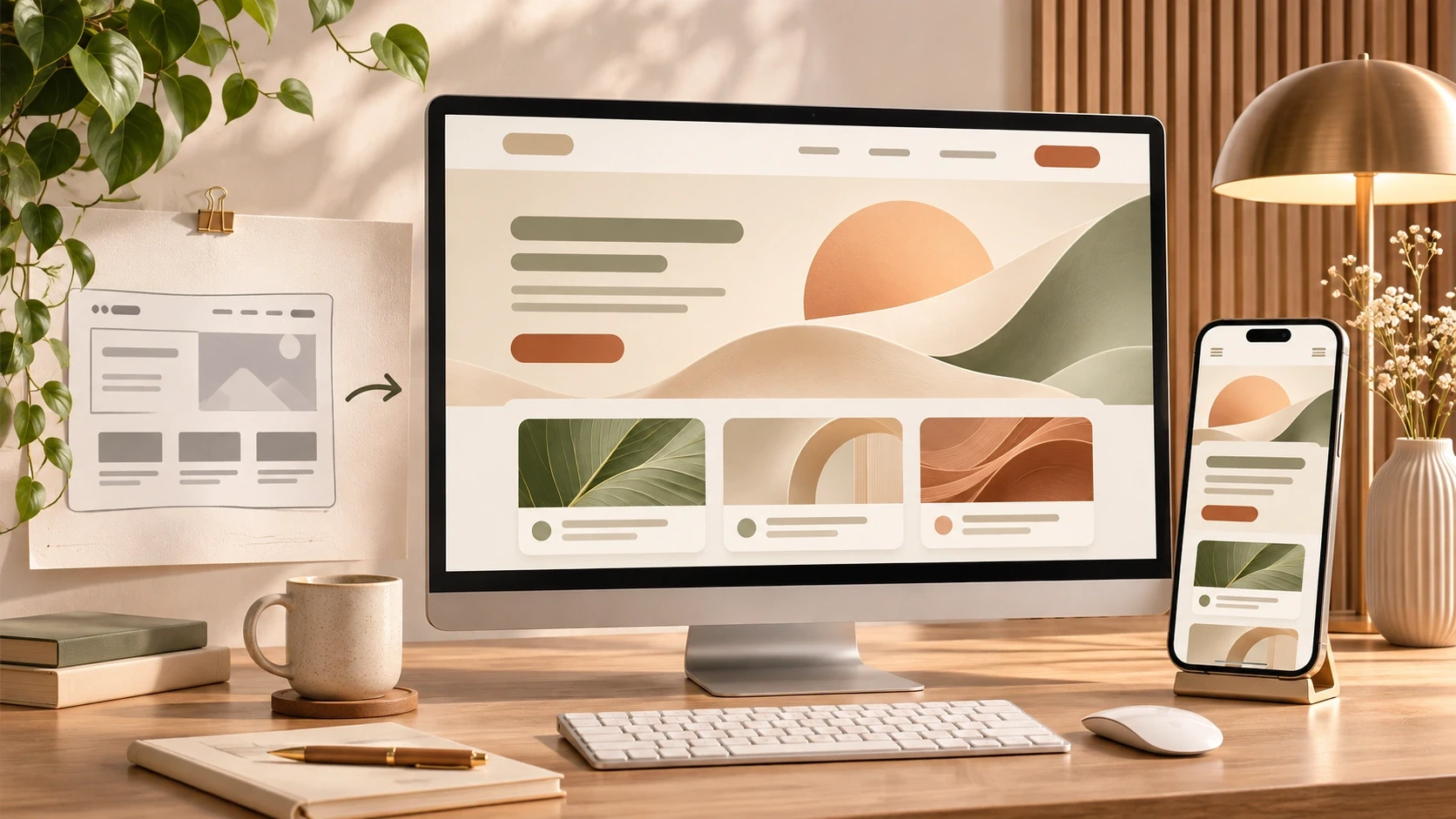
Start a website redesign by identifying a task visitors struggle to complete or a business change the current site cannot accommodate. If people reach a service page but enquiries fail to arrive, investigate the form first. If navigation and content no longer match what the business offers, a redesign of the site structure and page templates is a better starting point. That distinction determines the size of the project and helps you decide whether a platform migration belongs in it.
Find out where the current site gets in the way
Choose three tasks a real customer might need to complete. Ask someone unfamiliar with your business to find a service, check what it covers and send an enquiry from a phone. Observe where they start, where they backtrack and what information they look for. If they want a price, an explanation of how you quote may answer the immediate question. If they tap a link labelled Contact and arrive at an unexpected screen, test the wording and destination together.
Look at the work your staff do as well. If a change to business hours requires edits on several pages, a central field could solve that problem within the existing site. If every service page has a different layout, editors may need a shared template with appropriate places for images, scope and conditions. Evaluate targeted website improvements when the problems are localised and the current system remains practical to maintain.
Define outcomes you can observe
A more modern website is difficult to accept against a specification. A visitor on a phone should be able to see which areas you serve and submit an enquiry directly from a service page. Specify which pages you are testing, what each should contain and how a successful form submission will be confirmed. If you plan to compare results after launch, agree in advance how you will distinguish a completed form, a tap on the telephone link and an enquiry that actually reaches the business. Each event tells you something different.
Build your business website
Business website with custom CMS
from 349 €
Dedicated service pages, useful articles and a system you control.
WordPress business website
from 199 €
A new business website with up to 5 core pages: home, about, services, projects or blog, and contact.
Extended business website & PWA
from 549 €
Beyond a presentation: workflows, bookings and a companion web app.
Indicative starting prices. Features and final scope are agreed before work begins.
Choose a focused refresh or a larger rebuild
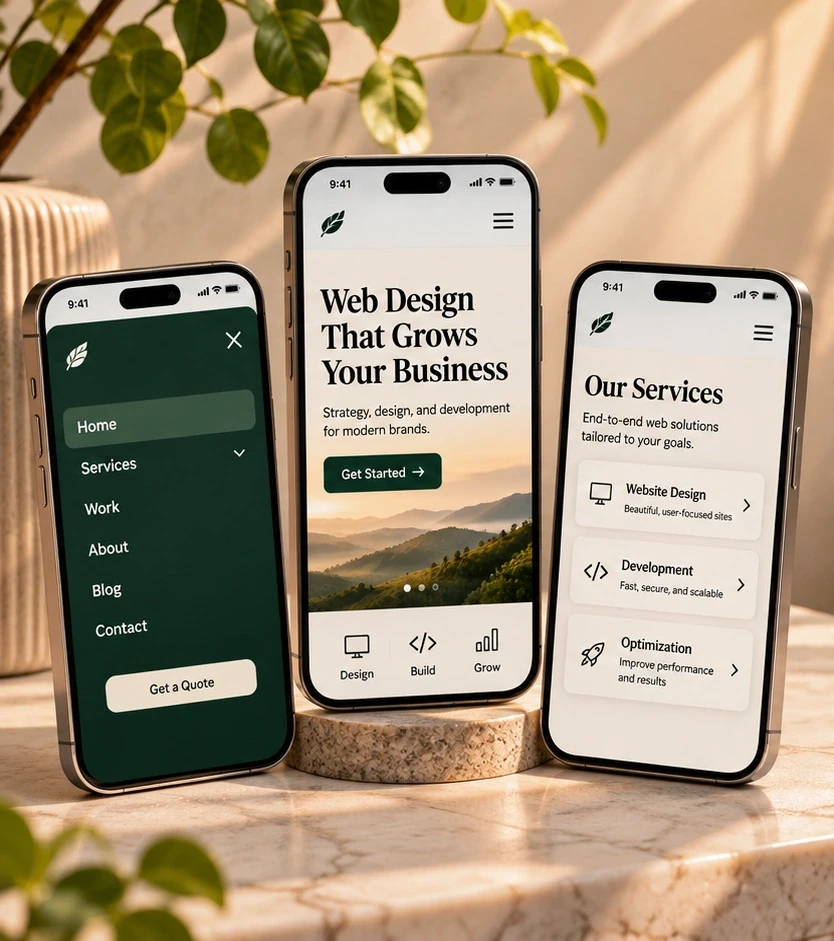
A focused refresh can change selected templates, navigation or components while retaining the website infrastructure. This suits a business with useful content and a workable CMS whose mobile navigation is difficult to use. Try the proposed menu on the homepage and on an interior page someone might reach from a search result. The second scenario shows whether visitors can orient themselves without having seen the main landing page.
AI illustration
A broader website redesign makes sense when the site hierarchy, service pages and editorial workflow all need attention. Decide separately whether to change the CMS. A migration may be warranted when the existing system cannot support the required workflow or is impractical to update. Check what can be exported before deciding. Include historic media, internal links, reusable page components and each published language.
Clarify how design and content will come together. A template with empty space for a gallery or price explanation can look finished in a presentation. Someone still needs to choose images, write and check the copy, and place the material into the CMS. Ask to see the prototype populated with an actual long service name, an information table and a realistic set of images. The examples expose layout constraints while they are still easy to address.
Retain useful content and preserve important URLs
Gather URLs from the existing sitemap, search reporting and the links in active ads, profiles and customer emails. For each URL, record whether it stays, moves or is retired. If you merge two old pages, the destination should retain the useful information people expected to find on both. A quick review with someone who answers customer questions can reveal sections worth keeping even if the old page looks dated.
Test the redirect map
Set up a direct permanent redirect to the relevant new address when an old URL moves permanently. Google’s site migration guide covers mapping, redirects and monitoring. Verify main service URLs, campaign destinations and old addresses that have attracted external links. Repeat the review for each language so an English link leads to the intended English destination wherever an equivalent page exists.
During acceptance, check that internal links point straight to final destinations, the sitemap lists current pages and staging restrictions have not carried over to production. Test important pages consistently before and after the change, especially if the new design uses video or larger images. This explanation of website performance testing puts individual speed scores in the context of what visitors experience.
Redesign your existing website
Indicative starting prices. Features and final scope are agreed before work begins.
Test the tasks the site must support
List the journeys you expect people to take. A new visitor opens a service from an external link, checks an example and submits an enquiry. A shopper opens a category, selects a product variant and checks delivery conditions. An editor replaces an image and verifies that the mobile page still reads well. Match the tasks to your site and include at least one content-heavy page and a deliberate form error.
AI illustration
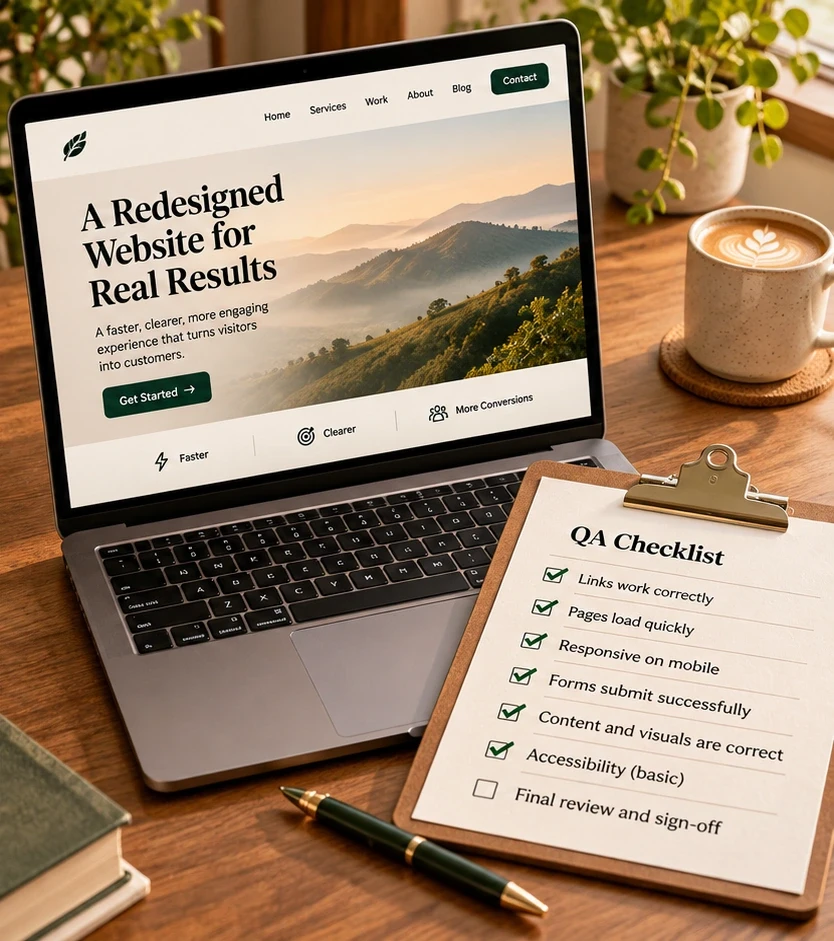
Confirm what happens after each interaction. A form should display feedback the visitor can understand, and someone on the receiving team should confirm that the enquiry arrived. If analytics tracks the action, verify what triggers the event and test whether reloading causes an extra count. Work through the main journeys using a keyboard. Check that the active control is easy to spot, menus can be closed and fields have useful labels. Include these checks when people are reviewing the design and testing the build.
Launch and verify the public site
Agree on a release window, who is in charge and how you will recover from a serious issue. For a store or reservation site, plan what would happen to records created between the last backup and a possible restore. Repeat the highest-priority tests on the public domain immediately after launch and confirm that frequently used legacy links open the pages you expect. Assign responsibility for watching errors over the first few days and make sure someone can make corrections.
Start with a website brief that identifies tasks, pages, owners and acceptance criteria. When comparing proposals, ask each team how it will cover mobile use, content migration, redirects and the checks that follow launch. A clear brief lets the designer, developer and site owner judge the same build. It also gives you a basis for deciding which improvements belong in a later release when the schedule or budget is limited.
Focused technical improvements
WordPress improvements
from 49 €
One small, clearly specified change to an existing WordPress or WooCommerce project after technical review.
Indicative starting prices. Features and final scope are agreed before work begins.
More to explore
 What to prepare before building a website ↗
 What a product XML feed should contain ↗
 What website maintenance actually includes ↗