
WordPress maintenance covers recoverable backups, controlled updates and checks on the features your business needs. For a service business, the critical tests may be whether enquiries arrive and whether editors can publish. A WooCommerce store also needs to check the basket, payments, shipping and order management. Choose the scope by looking at how long you can operate without each function and what an interruption would cost the team in lost or repeated work.
Define what needs to keep working
Make an inventory of the domain, hosting, theme, active plugins, email delivery and any connected systems. For each important component, note who controls access and who receives alerts. If an enquiry form sends mail through a separate provider, include that provider in the checks. If stock or prices come from a supplier system, identify where staff can see the most recent successful import. Keep a short version of this list accessible to the people who need to respond to an incident.
Rank operations by what happens when they fail. An incorrect image can generally wait for a routine correction. An error at checkout needs a faster response. A form that displays a success message while failing to deliver its email can go unnoticed longer than a site outage. Build an explicit test for that case. Your list of critical workflows provides a practical starting point for a WordPress and WooCommerce support arrangement.
Agree on how incidents will be reported
When you report a problem, provide the affected URL, approximate time, action taken and visible result. Record whether the issue repeats on another browser or device. Use test records where possible and a suitable private channel for any details the support team needs. Agree on when the response clock starts, how updates will be communicated and who can approve temporarily pausing a feature if it is causing further problems.
Build your online store
Online store · Start
from 699 €
Control over your store, catalogue and daily orders.
WooCommerce online store
from 699 €
A new store with categories, product pages, variations, cart and checkout. Starting scope covers one language and a standard sales workflow.
Store · 1 API integration
from 999 €
Connect your catalogue and supplier workflow.
Indicative starting prices. Features and final scope are agreed before work begins.
Make backups usable
A WordPress site stores information in its database and depends on files such as its themes, plugins and uploaded media. Choose the scope of backups based on what you would need to recover and check how they are stored separately from the main installation. The official WordPress update guide recommends backing up files and the database before updating and checking that those backups are usable. Checking the timestamp and size gives an initial signal. Restoring in a separate environment shows whether the site can actually start.

AI illustration
Set the backup schedule around the rate of change. A brochure site with occasional text edits and a store accepting orders throughout the day can tolerate different amounts of data loss. Ask how long backups are kept, whether you can access them during a hosting problem, and how long recovery takes. Agree on what happens to orders, enquiries or bookings created after the chosen backup. Restoring a working site and recovering transactions that took place since the snapshot are separate jobs.
When testing a restore, open the homepage, sign in, check the media and repeat a critical workflow. If the copy contains live records, restrict access to it and prevent it from sending messages to customers. Document when the restore was tested, approximately how long it took and which settings needed manual work. That gives your team a sequence it can follow when a real recovery is time-sensitive.
Update according to operational risk
Maintenance may cover WordPress core, the theme, plugins and hosting dependencies within the agreed service. For each component, determine who checks compatibility. A payment extension update calls for testing a successful payment and an interrupted one. For a form plugin, check whether the submission appears in the admin area and whether a test email arrives. Include settings or custom changes that could behave differently from a standard installation.
AI illustration
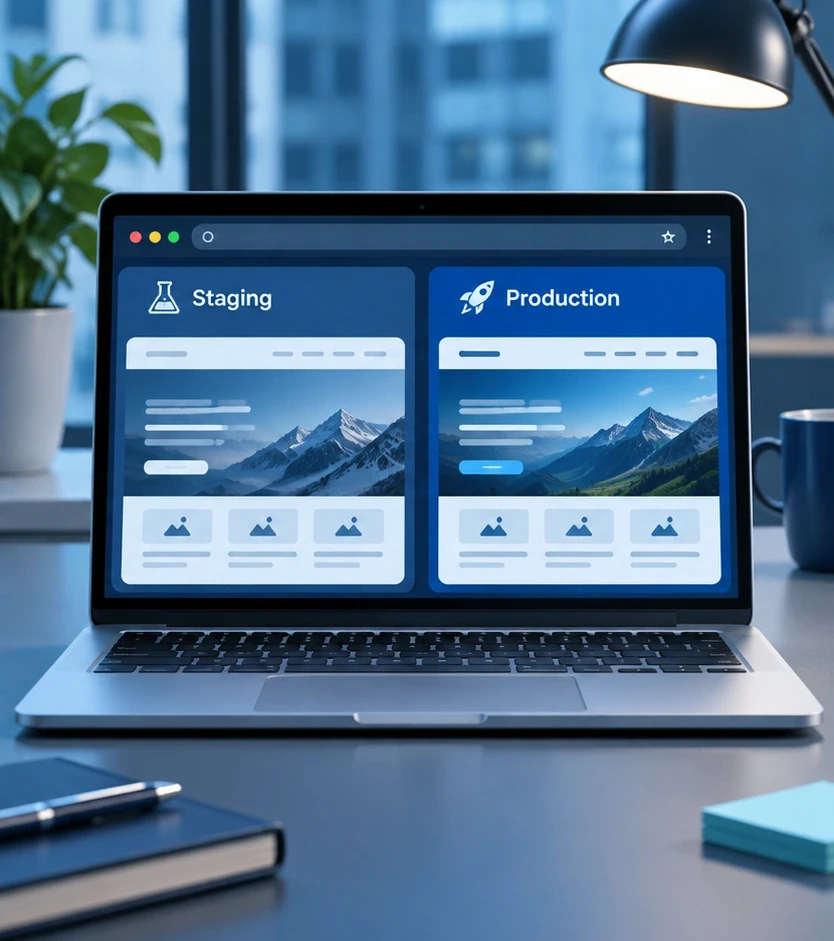
Use staging for changes that could interrupt sales
Apply a small group of related updates to a test copy and repeat the essential workflows. Check that the theme shows prices correctly, a keyboard user can move through the form, and the staff role can still see the right order screen. Record the backup point and rollback plan before release. Repeat the highest-priority checks on the live site after rollout, where integrations may use different settings or accounts.
Automatic updates can fit components with clear recovery procedures and active monitoring. For a critical payment or shipping integration, ask how update notices are handled and who responds to a failure. Agree in advance how urgent fixes can be assessed rapidly and who decides on temporary measures when a change cannot be deployed immediately. A documented decision process helps staff respond consistently under pressure.
Maintenance with a clear scope
WordPress maintenance
from 19 € /month
Basic monthly technical care for one standard WordPress website. Active WooCommerce stores require an agreed scope of additional checks.
Care · Control
from 59 € /month
More time for your website and checks of its core functions.
Indicative starting prices. Features and final scope are agreed before work begins.
Monitor business symptoms as well as uptime
A homepage check shows whether the main URL responds. Add checks that reflect important tasks, such as a controlled test enquiry or a public product page test. Send alerts to someone who knows what to try first and when to escalate. When an error appears after a release, identify what changed, whether it affects one page or the whole site, and whether an external service might be involved. Capture the timing and behaviour so the support team can investigate efficiently.
Review access periodically and whenever an employee or contractor leaves. Assign content editors roles that suit their daily work and keep access details in a managed location. Establish who owns the domain, licenses and service accounts. The person responsible should be able to find renewal dates and recover administrative access even if the site changes hosting or support provider. Keep handover instructions current enough for someone else to act on them.
Compare plans using responsibilities and response times
Review what technical website maintenance covers and ask for a scope specific to your installation. Compare WordPress support plans on response windows, check frequency, environments, supported integrations and out-of-hours charges. Clarify when someone will acknowledge the incident and how they will estimate recovery. Recovery may depend on diagnosis, access to an external provider or work outside routine maintenance.
Ask for a sample report that lists update dates, results from critical workflow checks and outstanding actions. Where a plan includes time for minor improvements, ask how requests are scheduled and how additional hours are approved. At the end of the first period, review incidents and where the effort went. If the same integration keeps absorbing support time, a planned fix may help the business more than increasing the frequency of routine check-ins. Record the decision and use the next report to see whether that recurring problem has subsided.
Improvements and redesign
WordPress improvements
from 49 €
One small, clearly specified change to an existing WordPress or WooCommerce project after technical review.
Indicative starting prices. Features and final scope are agreed before work begins.
More to explore
 What to prepare before building a website ↗
 What a product XML feed should contain ↗
 What website maintenance actually includes ↗